
ProductsVoisIT Ordly
Prototype · in developmentBox and microphone
Follow what is being said in the room.
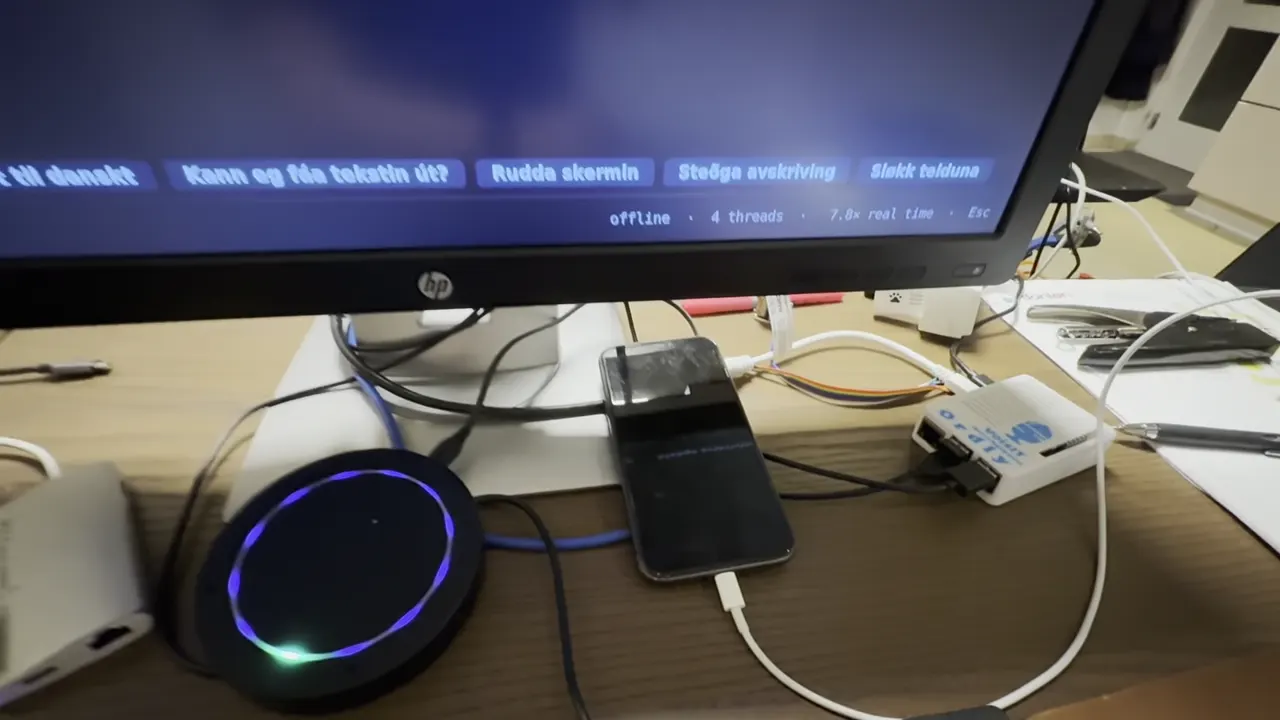
VoisIT Ordly turns speech in a room into text on a screen. A microphone on the table picks up what is said, the Ordly box turns it into text, and the sentences appear on the screen while people talk — for example at a meeting, a talk or a church service.
What you can do
Text while people talk
Sentences appear on the screen as they are spoken, so you can read along.
For rooms with several people
One microphone on the table picks up the people sitting around it.
Still a prototype
Ordly is not for sale yet. We would like to hear from you if you need something like it.
Watch the video
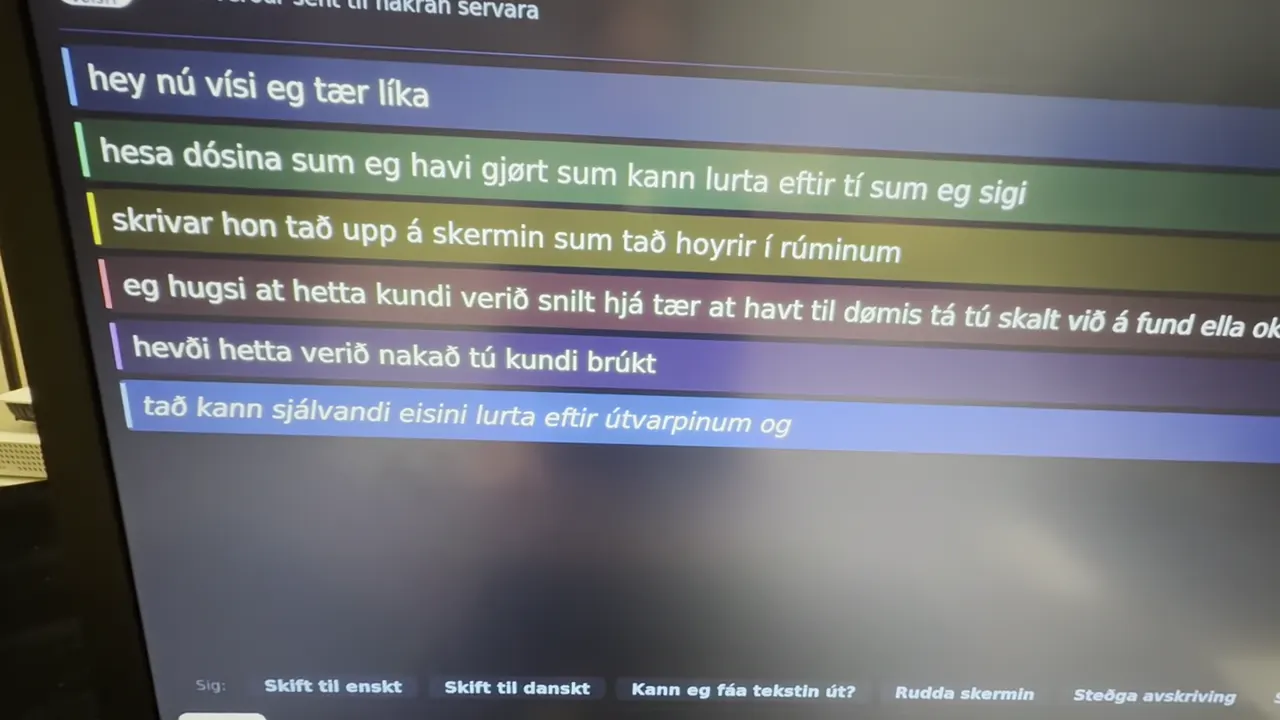
The video shows the prototype: a round microphone on the table, the Ordly box and a screen where sentences appear as they are spoken. The video loads from YouTube when you press play.
Text from the video (Faroese)
- hey, nú vísi eg tær líka
- hesa dósina, sum eg havi gjørt, sum kann lurta eftir tí, sum eg sigi
- skrivar hon tað upp á skermin, sum tað hoyrir í rúminum
- eg hugsi at hetta kundi verið snilt hjá tær at havt, til dømis tá tú skalt við á fund ella okkurt annað
- hevði hetta verið nakað, tú kundi brúkt?
- tað kann sjálvandi eisini lurta eftir útvarpinum og annað
- hvat heldur tú um hetta?
How it works
- Put the microphone on the table and connect the Ordly box to a screen.
- Talk as usual — the microphone picks up what is said in the room.
- Ordly turns the speech into text, and the sentences appear on the screen as they are spoken.